Mac Formula 1 Widget
The desktop countdown is back — now native on macOS
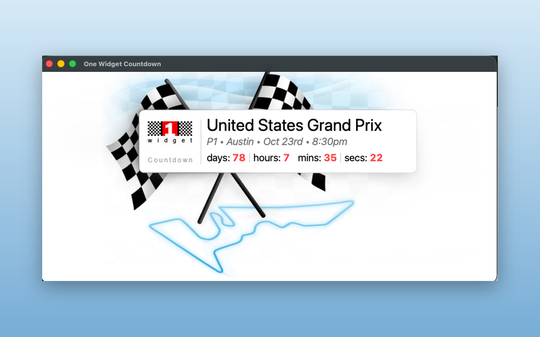
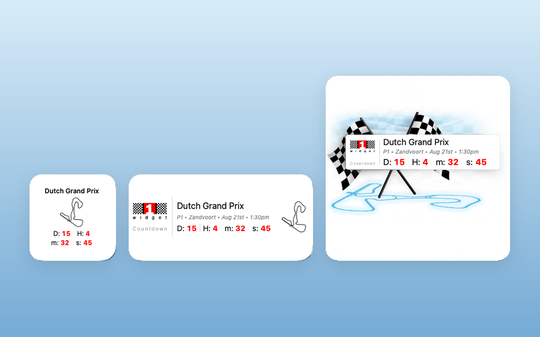
The widget that lived on your desktop through Dashboard and the Windows Sidebar is a real Mac app again. One Widget Countdown puts the world's most popular Formula 1 countdown straight on your desktop or in Notification Center, in three sizes, counting down to the second to every session of the race weekend. Keep the full countdown open in its own window while you work, pick any race in the season, and switch language and time format from the menu bar.One app, every screen you own. The same race calendar drives One Widget Countdown on Mac, iPhone and iPad, Android, and the embeddable widget for your own website or blog.
The Mac app is the ninth platform this countdown has run on — here is how it started.
Still running an older desktop platform? The original Dashboard, Windows Gadgets, Yahoo! Widgets and Google Desktop versions remain available for download.